Showing posts with label Technology. Show all posts

Saturday, February 23, 2013

Dr. Seuss Birthday Celebration

Theodor Seuss Geisel (aka Dr.Seuss) was born on March 2nd 1904.  We will be celebrating his birthday in school this up coming Friday!  Last year I did not do too much for Dr. Seuss's birthday, so I am excited to be celebrating with my kiddos this year!  We will be having a read-a-thon, but since we all know that most Second Graders do not have the capability of sitting and reading for extended periods of time without becoming restless (especially when 2/3 of your class is boys), I am mixing some other things in.  Here are some of the things we will be doing:

When the kids come in in the morning I am going to have a bookmark on their desk with a Dr. Seuss quote on it.  They will get to decorate it or color it however they would like.  My roommate did this last year with her class and I thought it as a great idea.  The bookmark I came up with is very simple, it can be downloaded HERE if you would like a copy:


Of course the students will be bringing pillows and blankets and any books from home that they would like to read during our read-a-thon.


My kids LOVE buddy reading this year.  They are always asking if they can buddy read.  I will allot some of our read-a-thon time to reading alone an some of the time to buddy reading.   


I will be reading some Dr. Seuss stories to them from the books pictured above.  Since one of their favorite tings is laying down during read aloud (I allow them to when they have been really good all day)  maybe I will let hem lie down with their pillows and blankets and listen. 

I have also found some short videos of some of Dr. Seuss's books on YouTube.  We might watch one or two of these:


There are some interviews done by Reading Rockets with Audrey Geisel (Dr Seuss's wife) They are broken up into short 1-2 minute segments.  Some of them could be fun to show to the class.  My favorite is "I've Got It"  It talks a little bit about the process that Dr. Seuss went through as he wrote.  HERE is a link to the interviews

I think it would be fun to have the students interview each other about their favorite Dr. Seuss books.  This way, beyond just reading, they will be thinking about the books a little bit.  They will be held accountable for comprehension.  Each child will fill out the interview sheet for their Favorite Dr. Seuss book.  They will then get with a partner and they will ask each other the questions and respond to them.

This can also be downloaded for free by clicking the link above for the bookmarks. 


I found a FREE app for my iPad that lets you record your voice.  You can then play it back,e-mail it, save it, convert it to an MP4 file etc.  I think it would be great to have the kids practice reading a Dr. Seuss book or a portion of it for fluency.  After they have read through it a few times I can record it and then play it back for them so that they can hear how they are doing with speed, accuracy, and expression.  

I will pull individuals (lower readers) and groups of kids (grade level or higher) to the Guided Reading table and do this with them during our read-a-thon time.  I will probably pull back the kids who are seeming a little restless first. 

If you would like to download the app an play around with it it is called Voice Record Pro.  Here is a picture and description.


Happy Birthday Dr. Seuss!  Thank you for giving us a reason to celebrate literacy and reading!
 

Friday, February 15, 2013

Animated Shorts are Great!

Yes. This is the third blog post of the night.  The truth of the matter is that I have thought about blogging a lot in the past month, but have not had the time to do so.  I have a little bit of time tonight, so I am playing catch-up.

Animated Short Film quite often make their way onto the Education page on Pinterest.  I was teaching about making inferences last week and decided that it would be the perfect time to use one of those short films I had pinned. 
We ended up watching two.  A longer one and a shorter one.  I played the film and would pause it at certain spots and have the students make an inference of what they thought would happen next (based on the context clues and what they had seen thus far).  Once again, almost every kid had their hand raised and wanted to participate. As a teacher, I LOVE it when that happens.  It means I have done a good job of getting the students engaged. 

Here are some short films that are good for teaching about inferences:


Happy President's Day Weekend!

Friday, January 18, 2013

Dialogue!

Wow. It has been WAY TOO LONG since I have blogged.  The holidays all the way from October to December were quite busy.  I did a lot of the same projects that I blogged about last year.

This past week I taught my class about dialogue.  I thought I would share some of the things we did.  I started off by talking about what dialogue was.  Following that i went through a Prezi that I made about dialogue (If you are not a Prezi user, you should be.  I love it SO much more than PowerPoint.  One of the best things is that it is easy to insert a YouTube video into a Prezi presentation and there are no adds on it).

We started with the "First Day of School" clip from the movie Finding Nemo.
We talked about how it is pretty easy to determine who is speaking when we are watching a movie.

Then we looked at the "bread in the toaster" comic from Calvin and Hobbes. 
We talked about how we could determine who as talking in the comic.

After that I showed the students a couple of pages from a book that I had recently read to them.  We talked about how you could tell when a character was talking by looking for quotation marks.  I read the pages without paying attention to the quotation marks and then again with paying attention to them.  I had the students explain to me which way they liked better and why.

After that we looked at one more clip from the read aloud book that I am currently reading.  We talked about telling sentences and talking sentences and tried to determine which sentences were telling ones and which ones were talking.

We practiced writing dialogue by writing back and forth with a partner on a whiteboard.  I had the students make sure that they were using quotation marks and practicing that as they did this activity.

Next we rolled two of these dice (the ones that have characters listed on them) to help us come up with some different combinations of characters that we could write a dialogue between.  The kids loved rolling the dice (I picked up the wooden blocks at Hobby Lobby for 99 cents a piece and then painted them and wrote on them).  I wrote the combinations up on the board to get them thinking, but let them know that they could write a dialogue between any two people or characters they wanted.


The final thing I had my students do was to write a dialogue between two people or characters on a piece of lined paper.  They then had to glue the dialogue onto a piece of construction paper and build a story around it.  This first one is my example.  Below it are some of the ones my kiddos did, most of them did a pretty good job.


 (This is a pretty realistic conversation that happens almost daily with this student. haha)


Life is good in Second Grade!  Hopefully I will post more in the near future!

Miss Paul

Tuesday, October 23, 2012

How I'm Using 1 iPad in my Classroom!

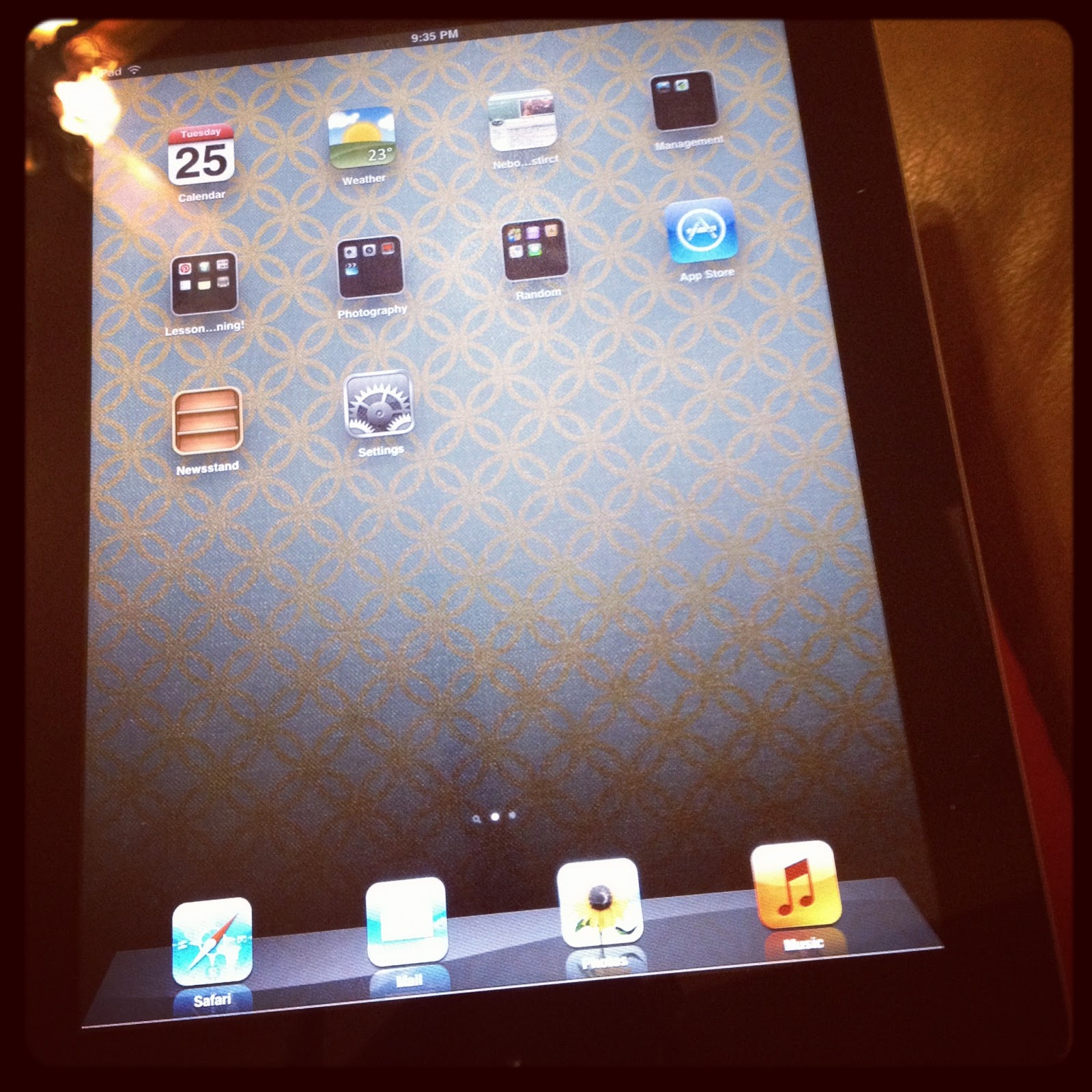
About a month ago each classroom in my school got an iPad!  I was so excited!  The more technology available to me the better, the students are so engaged and excited when technology is involved.


Many might ask, well what can you do with just one iPad?  I have a long ways to go before I can answer that completely, but I do have a start.  There are some simple things that I love using the iPad for. 

I pad cameras are great for saving information for kids who are absent!
If you have written something on the board you can take a picture of it with the camera on your iPad and then pull up the picture at a later date to review or to give directions or instruction to a student who was absent.

I love being able to pull my students grades up on the iPad when we are reviewing grades at collaboration.

I love being able to make notes on my I pad and also make to-do lists that I can then check off. 

One of the first apps I got was an app called "TechChef4u".  It is a free app that lets you search for free educational apps and sort them by grade level and subject!  Need I say more? Check it out.

Now how do I use the I-pad with the kiddos?
Let's start with small groups. 

Small group are a great place to use the iPad.  If you find the right apps, you can easily let all of the kids participate and they love it!  Some of the apps I have used with small groups are:

Sight Words - This app has sets of flash cards for kindergarten through third grade sight words.  If the volume is on it will read the sight word, if the volume is off then you can have the kids read the sight words.  I have used this app with some of my lower readers at the beginning of guided reading and whoever can raise their hand and tell me the word gets to tap the flash card to switch to the next word.  You can also add your own words to the preexisting lists which is great! 
My Math App - This app has flash cards for addition, subtraction, multiplication, and division.  Students type in the answer to the problem and then press a button to submit it.  if they get the answer wrong it will make a beeping noise and have them try it again.  I love that!  This is great for kids who just need practice mastering math facts.  You can also spend a little more time and talk through strategies with them as they do each problem.  If you wanted to use this as a fast finisher for high kids they would also be motivated by it because it times you so they could see how fast they could do all the math facts, and then try to beat their time. 
Storia -  Scholastic has books that you can download to your I-pad and let students read.  I have downloaded the 10 free books that you get when you download the app but have not let the kids read them yet, still figuring out how to incorporate that one.  Buddy reading as a reward for good students potentially?
O.k. so maybe I have convinced you that you can use one I-pad in a small group setting, but the whole class?

Here are some ways that I have gotten my whole class involved in using the iPad.

Skitch -
Skitch is an app that allows you to download a picture from your photos on your I-pad and then use drawing tools to draw on the picture.  I have used this app multiple times in math with the whole class and they loved it!

Since we were talking about place value I took pictures of pumpkin seeds (we had been learning about pumpkins for our informational writing unit).  I then had the students come up and circle tens and ones and even some hundreds.  Then after each one we would count the number of seeds using the hundreds tens and ones that we had circled and then used that information to write the number.  During this lesson every student got to circle something and they were so quiet and engaged because they wanted to be picked to come circle. 

Later on I took pictures of hundreds tens and ones blocks and did a similar activity with them. Here are some pictures of what the final products looked like after the kids drew on the pictures. 


Scribble Press -This is a free app on which you can make books!  I made one that I shared with my class when we were talking about informational writing and learning about pumpkins.  They loved it.  You could also let students potentially make their own books on this app which could be fun. 

Homophones App  - My co-worker found this one and told me about it and it's great!

This app shows a pair of homophones and then has a sentence at the bottom with a blank.  The students have to determine which homophone will complete the sentence and drag it into the sentence.  One thing I liked about this app was that the homophones repeated so the first time they came up we were able to talk about the differences between them and the second time they came up the students knew quickly and easily which word would complete the sentence without me having to say anything.   

Almost all of my kids love read aloud time (for a lot of them it is one of their favorite part of the day), but last week when I told them that we had to stop using the App so that we could have real aloud there were many audible sad "awww"s.  I'm pretty sure that is one of my favorite sounds!  When the kids are enjoying something so much that they are sad you have to stop you know you have done something good. 

Watching Videos - Occasionally I will show a short you tube video that helps to teach one of the concepts I am covering in class.  My school computer is pretty slow, but the i-pad works quicker so I have used that instead of the computer.   

When there is just one iPad do the kids ever get to use it individually?

We have been studying place value in math and I found a fun place value game app (for free of course).  It is called Cookie Factory Free.  Today during math while the students were doing an assigned page from their math workbook I told them that I would look for students who were working quietly and I would let them come to the guided reading table and play the place value app on the iPad.  My kids worked very quietly and I chose kids to come play for a couple of minutes, they loved it!

I have a couple of kids who struggle with basic addition and subtraction facts.  Today I had a helper in during centers and I had her work with one of my girls and do addition flashcards using the My Math App that I talked about above. 
I have a long ways to go, and there is still a lot to learn.  I am so grateful to have my one iPad though!  Now I cannot only enter grades and watch a movie on my laptop at the same time, but I can engage small groups of students and my whole class in learning through the use of technology.  Not to mention, using the Ipad in lessons is great for management.  When I pull out the iPad all of my kids sit tall with arms folded and lips zipped because they want to get to come participate in the lesson by using the iPad. 

I hope that this has been helpful to any of you one iPad classroomers out there.  If anyone has any other great ideas for a one iPad classroom I would love to hear them!

Friday, March 30, 2012

Jeopardy


Testing is coming up and reviewing is about to begin.

Jeopardy is a great way to review! I didn't like any of the Jeopardy games that I found online, so I made one up last summer when I had a little time. We have used it to review different concepts we have learned this year. My students always get excited when they see that we are playing Jeopardy. (This was created in Microsoft PowerPoint 2007. If you have that it should work perfectly, otherwise I'm not sure, you might have to play around with it a little)

Get the jeopardy PowerPoint for free here!

Once you open the link click on the options button and download the document as a PowerPoint. You will be able to go in and type your questions and answers right into the boxes that say question and answer!

My students LOVE when we play Jeopardy, and seeing as we are coming up on review time and end of the year tests they are about to be happy campers. Time to make some Jeopardy reviews!

Enjoy!

Miss Paul

Friday, March 9, 2012

Comparing Words

Friday night and once again I am exhausted. It is amazing how tired teaching can make you. Don't get me wrong, I am so grateful everyday that I am a teacher - I LOVE it! Seeing as I am doing an internship this year I just hope that I find a job next year.


This week we talked about comparing words. I decided that I would make a PowerPoint with some fun pictures for the students to compare. It is AMAZING how much fun some simple pictures can make a lesson. My kids loved it and some of my co-workers said that their kids liked it as well - success! Since it went over well I thought I would post it here: Comparing Words PowerPoint Enjoy!

One of the sets of pictures:


Have a fabulous weekend!

Love,
The first year teacher

Saturday, November 5, 2011

Voice Thread

I had meetings on Friday so I had to have a substtute. Unfortunately I wanted to teach social studies. Luckily there is such thing as voice thread! I made a video for my students to watch for science, it is pretty funny. If you want to take a look, here it is : )

http://voicethread.com/share/2402127/

Oh, the things you do when you love your students : )

Miss Paul